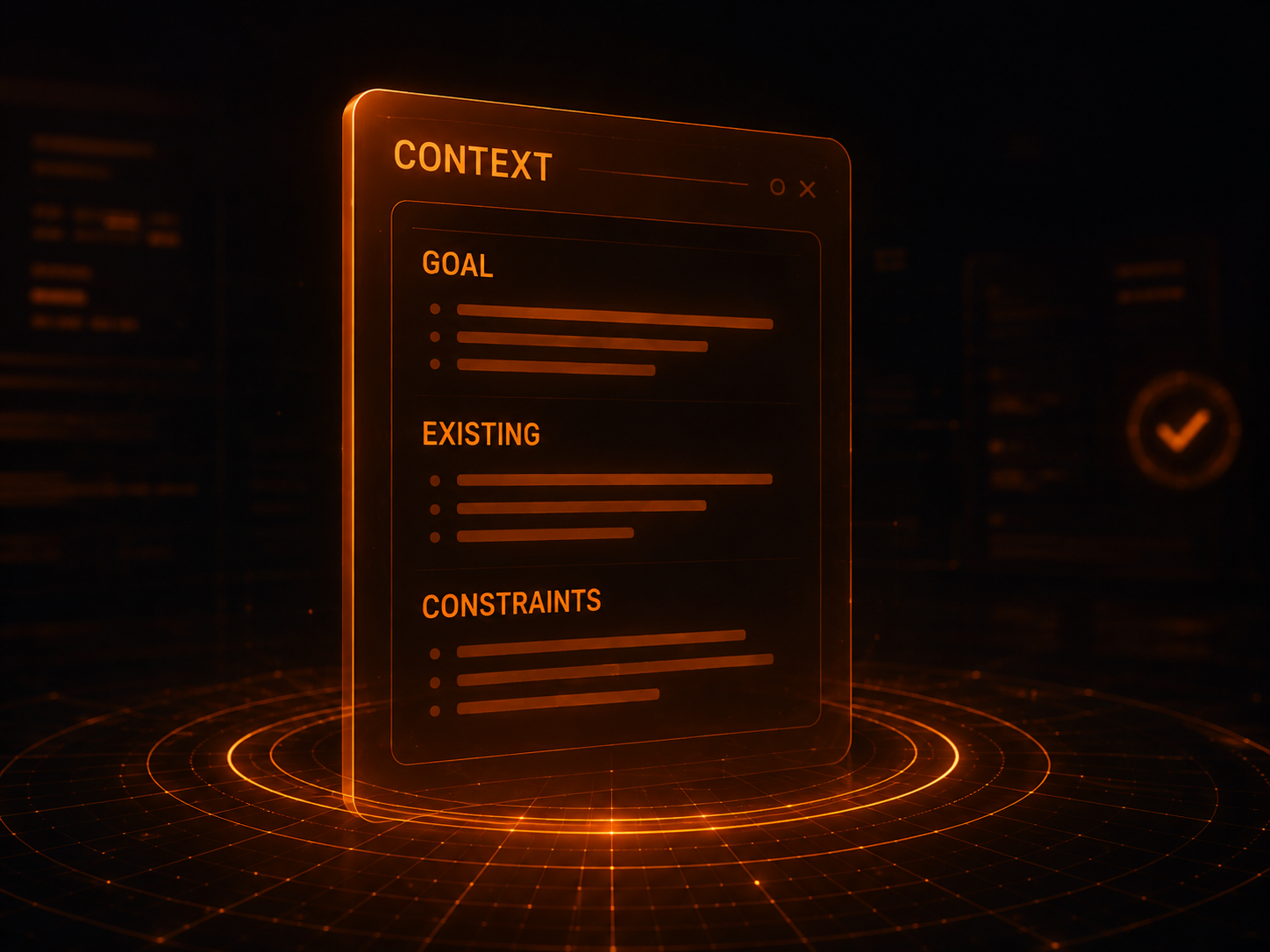
Clarify first
When a request is ambiguous, confirm the goal, scope, and trade-offs before letting the Agent guess.
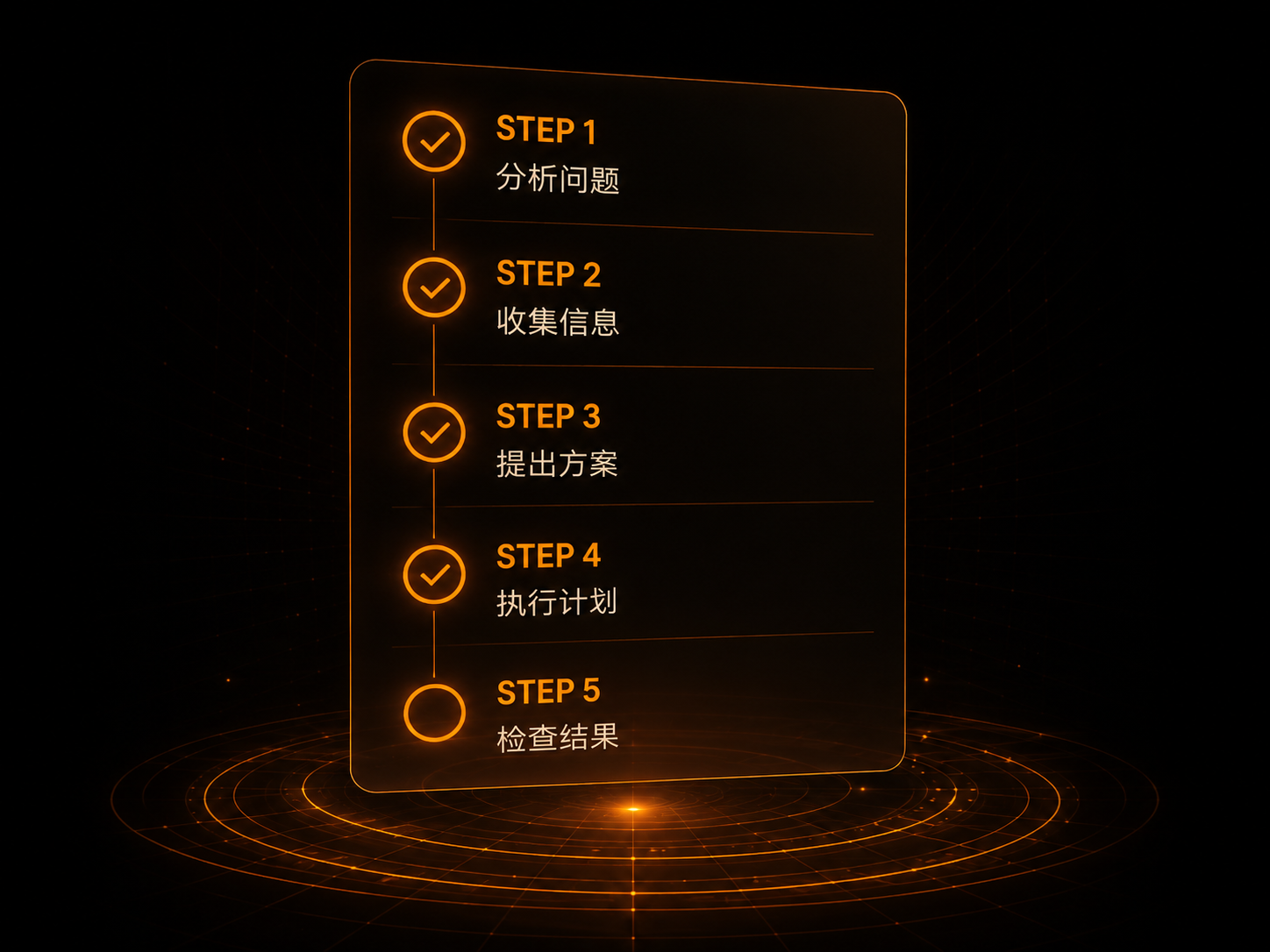
Verify each step
Turn changes into tests, type checks, builds, or observable results that prove the goal was met.
Keep the scope tight
Respect existing code and user changes instead of turning one request into an unrelated refactor.
# AGENTS.md

_These are the user's non-negotiable rules. Follow and re-check them in context at all times._

## System Awareness

**System:** Windows 11 | **Shell:** Git Bash

- Run Windows-native commands through `cmd /c` or `powershell -Command`.
- Python 3.13 and Java 17 are installed.
- Git user: yking / 3202708371@qq.com

## Coding Rules That Reduce Common LLM (Your) Mistakes

**Trade-off:** These rules favor caution over speed. Use judgment for simple tasks.

### 1. Ask Questions and Clarify Requirements

**When the user gives a coding task, do not rush into implementation. Clarify the requirements until you are confident about the ideal outcome.**

Before you are at least 95% sure about the user's ideal implementation:
- Keep asking about implementation directions and possibilities related to the task.
- Ask which direction the user prefers when several are possible.
- Clarify how high-impact details should be handled.
- Do not change a single line without a clear direction.

### 2. Think Before Coding

**Do not jump to conclusions. Do not hide confusion. Weigh trade-offs honestly.**

Before implementation:
- State your assumptions explicitly. Ask when something is unclear.
- If there are multiple interpretations, present them. Do not choose silently.
- If there is a simpler approach, propose it. Stand your ground when necessary.
- If something is unclear, stop. Say what confuses you. Then ask.

### 3. Simplicity First

**Solve the problem with the least code. Do not write speculative code.**

- Do not add features beyond the requirement.
- Do not abstract one-off code.
- Do not add unrequested flexibility or configurability.
- Do not handle cases that cannot occur.
- If you wrote 200 lines for a 50-line problem, rewrite it.
- Prefer mature third-party libraries over building your own.

Ask yourself: "Would a senior engineer consider this too complex?" If so, simplify.

### 4. Precise Changes

**Touch only what must change. Clean up only the mess you made.**

When editing existing code:
- Do not improve adjacent code, comments, or formatting.
- Do not refactor parts that are not broken.
- Match the existing code style, even if you would write it differently.
- If you find unrelated dead code, point it out. Do not delete it.

When your change orphans code or files:
- Delete imports, variables, or functions that became useless because of your change.
- Do not delete existing invalid code unless asked.

Test: every line of the diff should trace directly to the user's requirement.

### 5. Goal-Driven Execution

**Define success criteria. Iterate until verification passes.**

Turn tasks into verifiable goals:
- "Add validation" becomes "write tests for invalid input and make them pass."
- "Fix a bug" becomes "write a test that reproduces the bug, then make it pass."
- "Refactor X" becomes "make sure tests pass before and after the refactor."

For multi-step tasks, briefly state the plan:

```
1. [Step] -> Verify: [Check]
2. [Step] -> Verify: [Check]
3. [Step] -> Verify: [Check]
```

Clear success criteria let you iterate independently. Vague criteria require constant clarification.

**Signs these rules work:** fewer unnecessary changes in the diff, fewer rewrites caused by over-complexity, and clarifying questions asked before implementation instead of after mistakes.

## Python Project Development

### Virtual Environments

Each Python project should use its own virtual environment (`venv`, `virtualenv`, or `conda`) instead of installing dependencies globally.

**Why:** Prevent dependency conflicts between projects, keep environments reproducible, and make dependency management and team collaboration easier.

**How to apply:** Identify all project dependencies, create the virtual environment, and install dependencies there. Manage versions through `requirements.txt` or `pyproject.toml`.

## Error Recovery

**Error recovery:** Every mistaken operation caused by a misunderstanding, whether in file content, file location, or the operation itself, must be immediately withdrawn, reverted, or corrected so it cannot affect later work.

## Clean Up Temporary Files

Temporary files created for tests or one-off checks must be cleaned up when the project is complete. Ask before cleaning them.

## Comments for Code Optimization and Bug Fixes

**Write comments for the new code, not the old code. Explain how the new code is meant to be used, not how it was changed. Before writing a comment, ask: "What does someone who has never seen this code need to know to understand it?"**

- Comments help understanding. They do not record modification history or the debugging process. Do not write comments such as "Deleted formulaToDb (it was unused, added the call after the bug fix)." That kind of statement belongs in the conversation's review summary.

## Emoji Usage

**Important: Misusing emoji can cause coding errors.**

When generating content:
- Emoji are allowed only in Markdown and plain-text files (`.md`, `.txt`, `.rst`).
- Emoji are forbidden in source files (`.py`, `.js`, `.ts`, `.json`, `.yaml`, `.xml`, and similar formats).

---

The agent may keep enriching this file through the conversation. Suggested additions must be reusable behavioral rules. If a suitable rule emerges, ask the user before adding it.